Chest tune
Summary
The idea behind this project was to create a "Zelda chest" - a chest that plays a tune when opened, much like it happens in the game! Here I explore/transcribe the melodies used in game and try my best to reproduce them using as minimal hardware as possible.
Melody
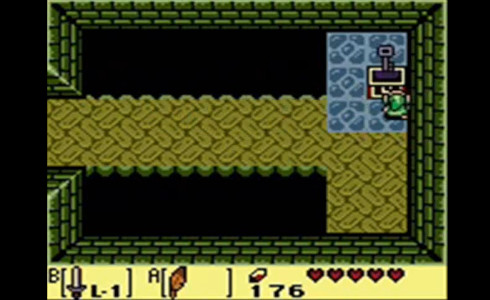
The easiest melody to select in order to reproduce with cheap hardware would be one of the oldest zelda games that were using 8-bit sound. For reference I selected one of my all time favorite games, Link's Awakening. This is the sound that chests make when they are opened in game:
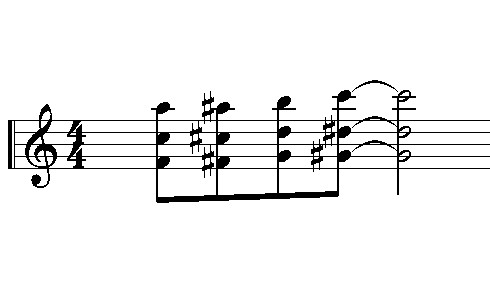
I was able to interpret this as three melodies played together using square waves at 25% duty cycle which sounds like this:
Hardware
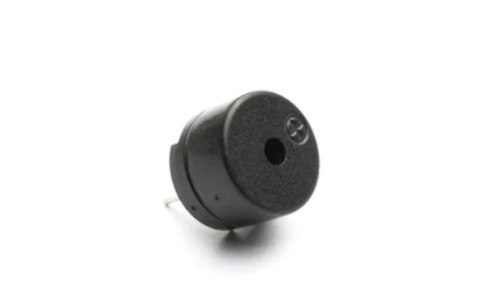
First, I experimented with a pi-pico w and piezo electric speakers, since it was the closest I had on my desk. I needed to find out if the piezo sound was appealing enough, so I created the waveforms and used resistors to add them and feed them directly to the piezo speaker. The result was acceptable! So the piezo speaker was selected for the project.
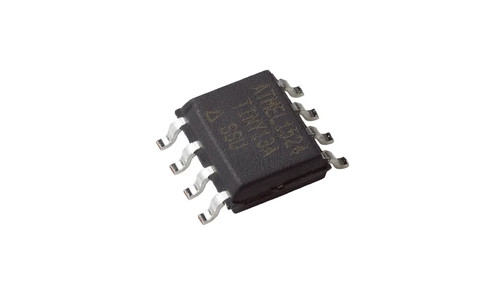
Selecting the right hardware was not super easy yet, since I was not perfectly sure about how much space would be needed to write code that could handle 25% duty cycle square waves - they are a bit more demanding that 50% duty cycle square waves. I started with the least powerful chip I had in stock, an ATtiny13A, and was able to develop the code to fit the device - so then I selected the ATtiny13A fot the project.
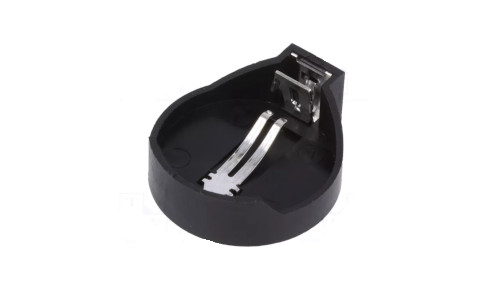
For the power source I went with an CR2032 button cell. Since this is a very common type of cell, the same size cell holders were readily available and at a good price.
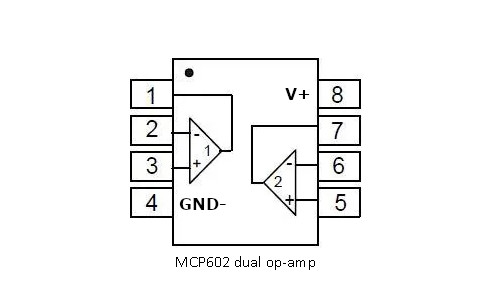
Since the provided voltage is ~3V, I decided to use an op-amp to help keep the volume high. Using an op-amp in a battery powered project means that you either need a low power op-amp that has a deactivation feature or use a normal op-amp with a transistor for deactivating it manually - this helps keep the power consumption low when the application is not in use. In my case I went with the second option since I had transistors lying around and the low power op-amps seemed to be much more expensive. I ordered a bunch of MCP602 op-amps. These packages contain two op-amps and are fairly cheap.
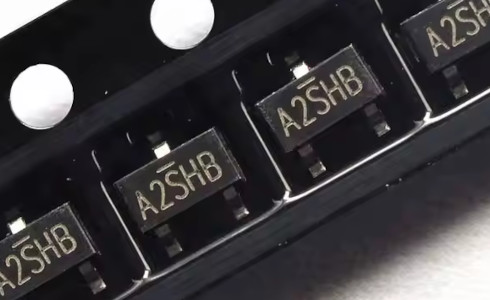
The N-MOSFET of my choice is the A2SHB as in most of my projects. It is a small SOT23 package and can be fully turned on with a mere 2.5V on its gate. This makes it perfect for battery powered applications.
All of the components were ordered in SOP8 packages which are fairly small and at the same time easy to solder by hand.
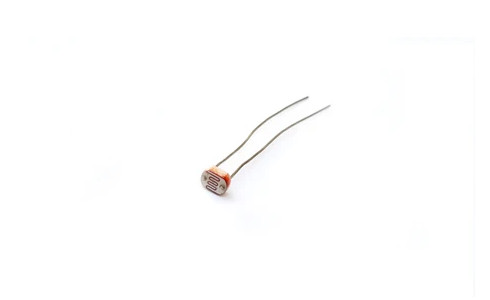
Finally, for triggering the sound, the simplest sensor to use would be an LDR(Light Dependant Resistor). This can be hooked up to the ATtiny13A using a voltage divider configuration and then wake up the chip using its pin change interrupt feature, as soon as light is detected. The logic behind this is that the gadget will be hidden inside any chest/container, and then, when the light pours into the chest once it is opened, the LDR will detect it and trigger the sound.
Schematic
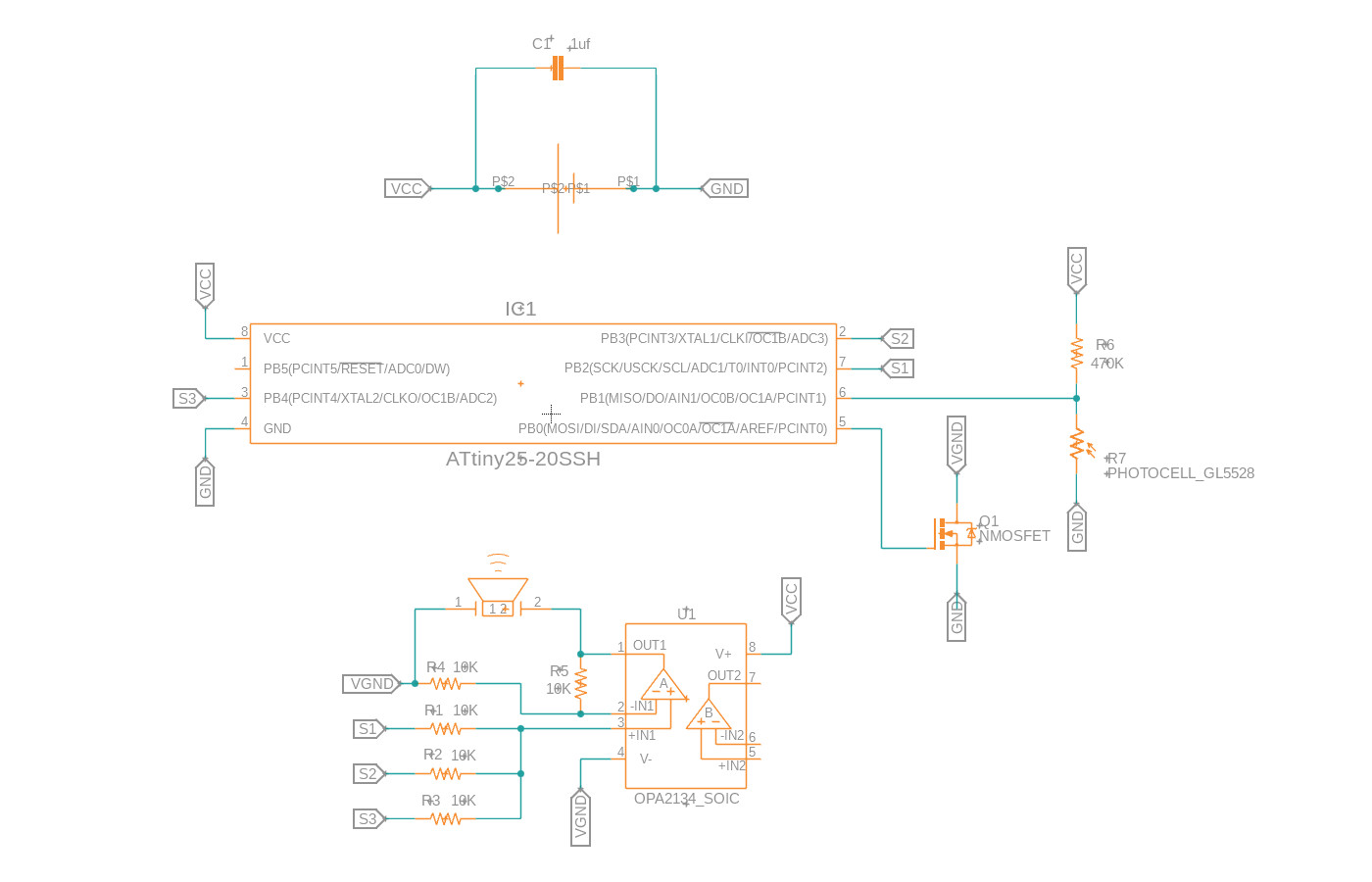
The schematic and board were drawn in Fusion360.
- The battery powers both the op-amp and the ATtiny13A.
- The op-amp is connected to ground via a MOSFET
- One pin of the ATtiny is used to control the MOSFET
- Three pins of the ATtiny are used to produce the three melodies.
- One pin is used to read the LDR divider
Board
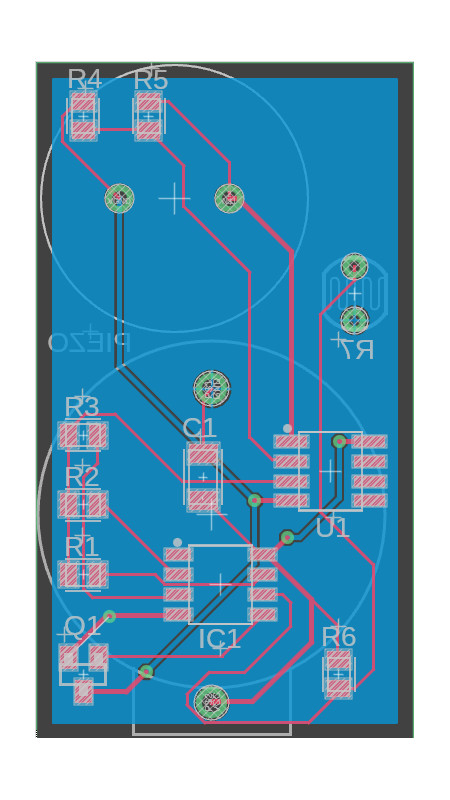
The board was designed to be as small as possible while holding all the THT/bigger components on the bottom side to minimize board height and make soldering easier.
Code
The code was developed in Microchip Studio using the AVR-GCC compiler. It is fairly simple and uses the ATtiny13A's internal oscillator at 9.6MHz. I have uploaded the project on GitHub, you can find it here!
- The chip enters shutdown mode, deactivating the op-amp's MOSFET as well, after the melody is played
- A pin change interrupt wakes the chip when there is a change in light
- The melody will only play when there is a change from darkness to light - this is ensured by continuously checking the light conditions with a watchdog interrupt
- Timer0 overflow interrupt is used to count samples at 37500Hz
- The quarter_square function uses the samples to calculate the melody's square waves
Prototype
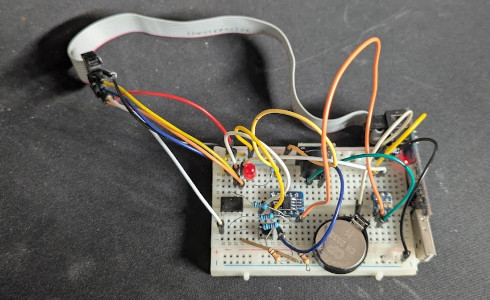
The components were put together on a small breadboard along with the op-amp and the MOSFET. Everything worked as expected but the sound quality was quite bad:
I decided to research into more methods to improve the sound quality given that the only power source will be a coin cell.